



Creating a home office that balances coziness and functionality can make a big difference in your work-from-home experience. Whether you’re setting up a new workspace or improving an existing one, thoughtful design can help you stay comfortable and productive. In this post, we’ll explore practical tips to create a home office that feels inviting while supporting your daily tasks.
Why a Cozy and Functional Home Office Matters
An office space isn’t just about a desk and a chair. It should be a place where you feel motivated and at ease. A cozy environment helps reduce stress and boosts creativity, while functional design keeps distractions minimal and organization streamlined. Together, these elements can improve your focus and overall job satisfaction.
Choosing the Right Location
Your home office location sets the foundation. Here are some considerations:
– Natural Light: Position your desk near a window if possible. Natural light enhances mood and reduces eye strain.
– Privacy: Select a quiet corner or a room where you won’t be frequently interrupted.
– Space: Ensure there’s enough room for your work essentials and some personal touches without feeling cramped.
Essential Furniture for Comfort and Efficiency
Ergonomic Chair
Invest in a chair that supports your posture. Look for adjustable height, lumbar support, and comfortable cushioning. Good seating can help prevent back and neck pain.
Desk Selection
Choose a desk that fits your space and work needs. Consider the following:
– Surface area for your computer, notebook, and other tools.
– Height suitable for ergonomic positioning.
– Additional storage or shelves to keep supplies handy.
Storage Solutions
Clutter can decrease focus. Use shelving, filing cabinets, or baskets to keep paperwork and accessories organized and accessible.
Designing for Cozy Ambiance
Soft Textiles
Incorporate cushions, rugs, and curtains to add warmth and texture. Soft fabrics help absorb sound, reducing distractions.
Warm Lighting
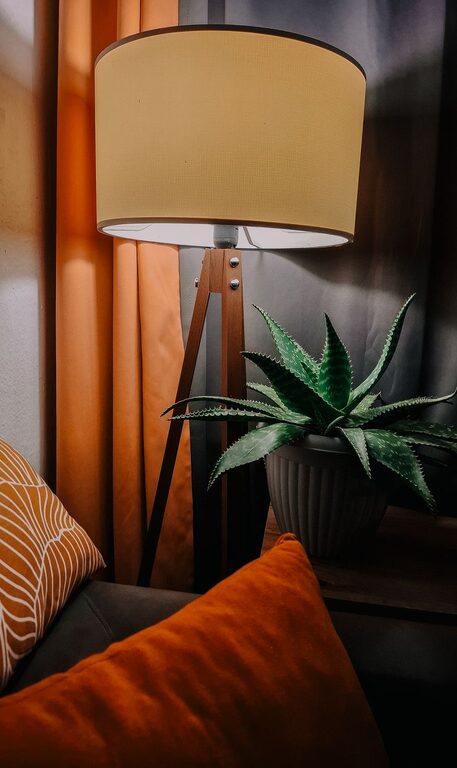
Use adjustable lighting options such as desk lamps or floor lamps with warm bulbs. Layer lighting to avoid glare and create a soothing atmosphere.
Personal Touches
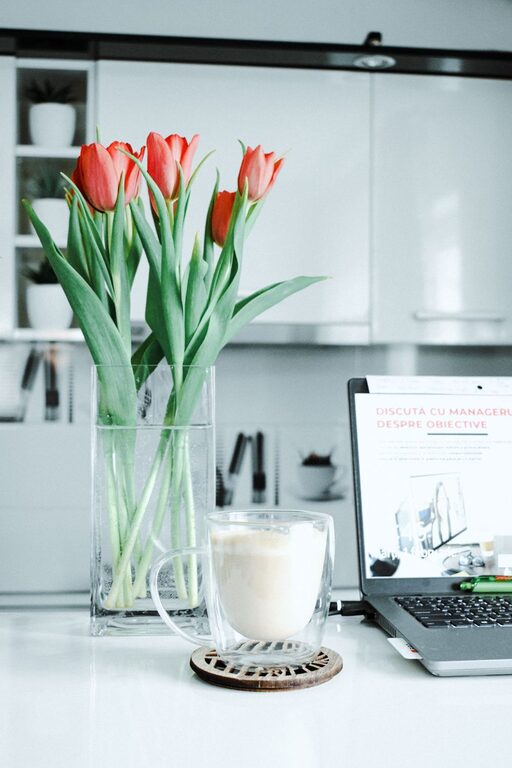
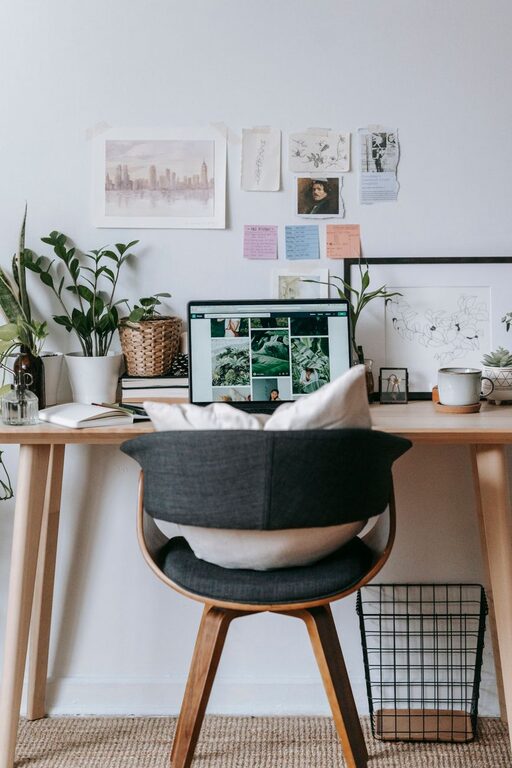
Add plants, artwork, or meaningful decor items. These small elements can make the space uniquely yours and foster a welcoming vibe.
Maximizing Functionality
Cable Management
Use cable organizers or clips to keep cords tidy. This reduces clutter and prevents accidental unplugging.
Technology Setup
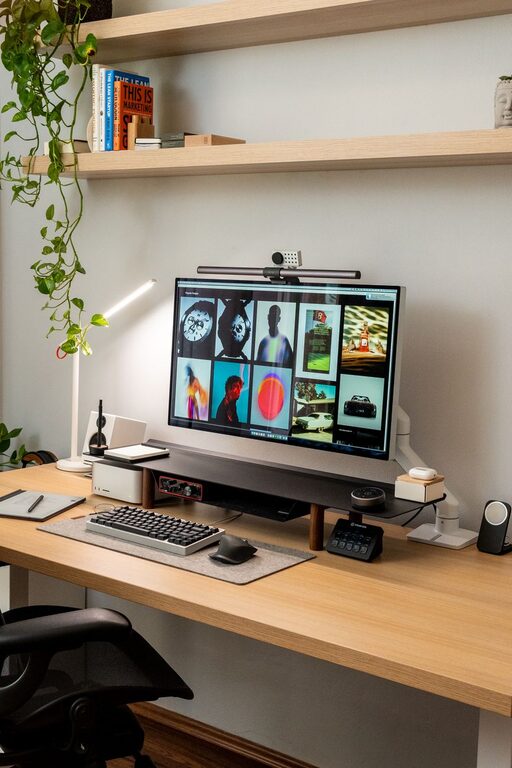
Arrange monitors, keyboards, and accessories so that everything is within reach and at eye level. Consider a wireless keyboard or mouse to reduce wires.
Multi-use Surfaces
If space is limited, choose furniture that can serve more than one purpose, such as a desk with built-in shelves or a foldable workstation.
Maintaining Focus and Organization
Daily Clean-Up Routine
Spend a few minutes each day tidying your desk. Keeping the surface clear can help reset your mind and maintain productivity.
Use Organizational Tools
Calendars, planners, or digital apps can help manage your schedule and deadlines effectively.
Break Areas
If possible, designate a small space or corner for breaks. Stretching or relaxing away from your desk can refresh your focus.
Additional Tips for Success
– Noise Control: Use noise-canceling headphones or soft background music if your environment is noisy.
– Ventilation: Fresh air supports concentration. Open a window or use a fan as needed.
– Regular Updates: Periodically assess your workspace layout and comfort. Small adjustments can yield big gains over time.
Conclusion
Creating a cozy and functional home office space doesn’t have to be complicated or expensive. By carefully selecting your location, furniture, and decor, you can build a space that nurtures your well-being and enhances your productivity. Remember to keep your needs and preferences at the forefront as you design your perfect work-from-home environment. With these tips, you’ll be on your way to enjoying a productive and comfortable workspace every day.