



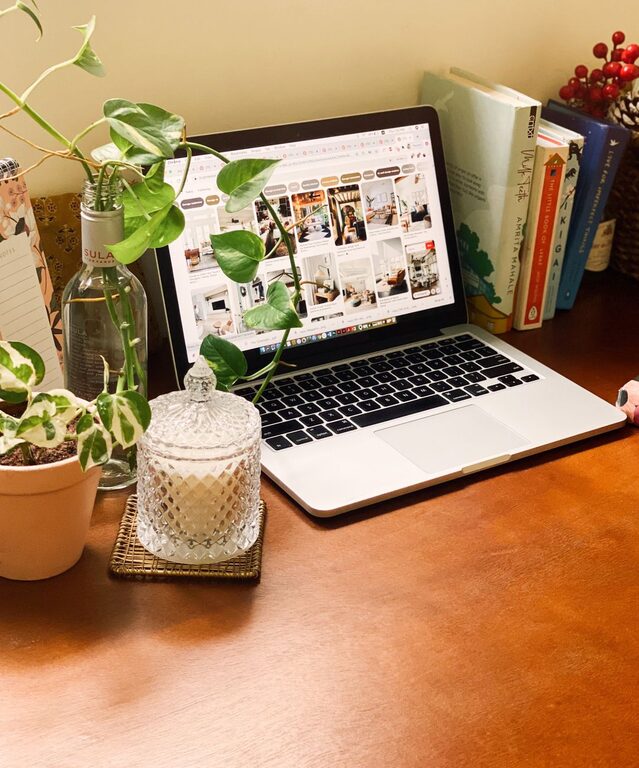

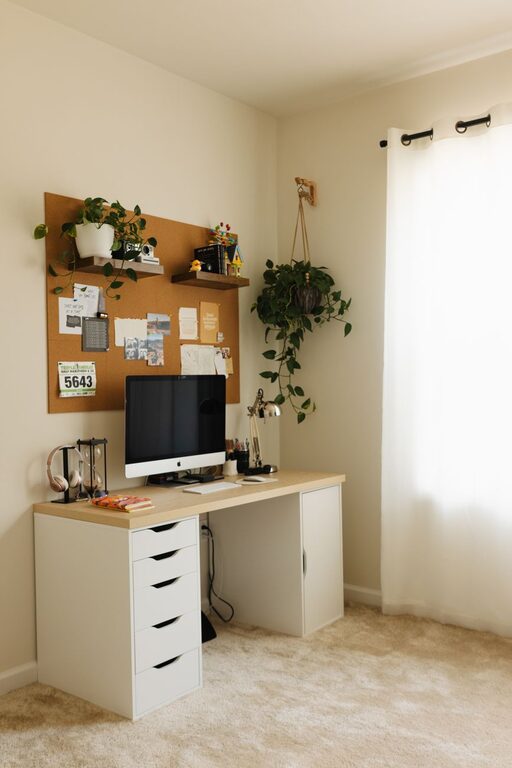

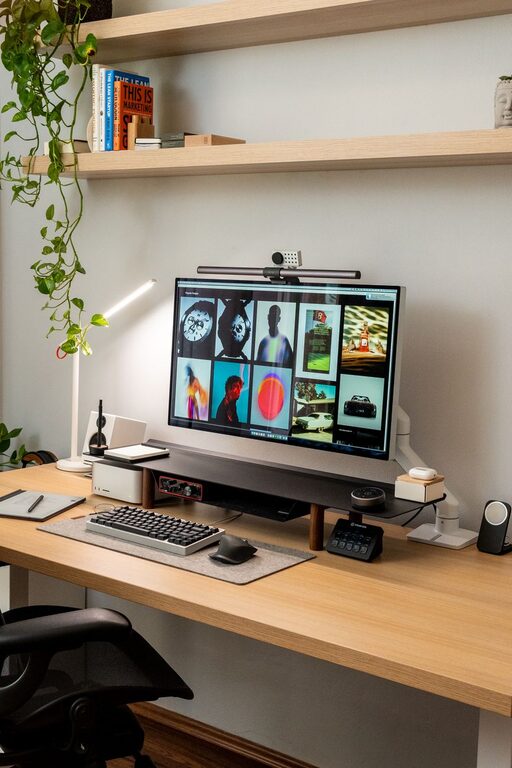
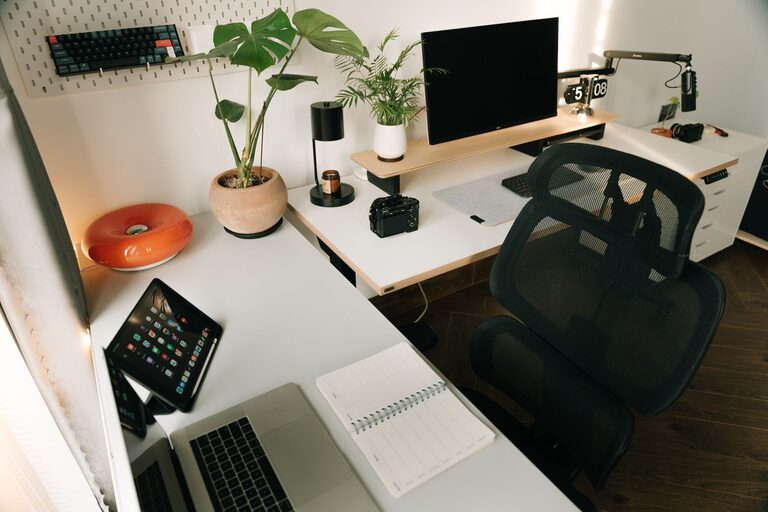
Creating an organized home office is essential for maintaining focus and increasing productivity, especially as many people transition to remote work. A well-arranged workspace can reduce distractions, save time, and create a more comfortable environment. Whether you have a dedicated room or a small corner for your office, these tips will help you set up an efficient and inviting work area.
1. Choose the Right Location
The foundation of an effective home office starts with selecting the right spot. Ideally, pick a quiet area with minimal foot traffic to minimize interruptions. If possible, position your desk near a window to benefit from natural light, which can improve your mood and energy levels throughout the day.
2. Invest in Ergonomic Furniture
Comfort plays a key role in productivity. Invest in a good-quality chair with adjustable height and lumbar support. Your desk should be at a height that allows your wrists to remain straight while typing and your feet flat on the floor or on a footrest. Ergonomic furniture helps prevent discomfort and fatigue, enabling longer, more focused work sessions.
3. Declutter Regularly
A cluttered space often leads to a cluttered mind. Keep your desk surface clear by only keeping essential items within reach. Use storage solutions like drawers, shelves, or filing cabinets to tuck away papers, stationery, and electronics when not in use. Regularly review your items and remove anything unnecessary.
4. Use Effective Storage Solutions
Organizing your supplies and materials saves time and keeps your space tidy. Consider these storage options:
– Desk organizers for pens, paper clips, and small items
– File holders or folders to sort paperwork
– Shelves or wall-mounted storage to maximize vertical space
– Cable management tools such as clips and sleeves to avoid tangled cords
Labeling storage containers or files can further simplify locating items quickly.
5. Optimize Lighting
Proper lighting reduces eye strain and improves concentration. Besides natural light, invest in adjustable desk lamps with warm or neutral bulbs. Avoid harsh overhead lighting or glare on screens; reposition lights or use shades if necessary.
6. Personalize Your Workspace Wisely
Adding personal touches like photos, plants, or artwork can make your workspace more inviting and motivating. Choose a few meaningful items but avoid overcrowding your desk. Plants, for example, can improve air quality and add a calming effect.
7. Set Up Technology Efficiently
Keep your computer, printer, charger, and other devices organized. Use a docking station if you work with multiple gadgets to reduce clutter. Regularly update your software and clean your devices to ensure smooth performance.
8. Create a Daily Routine for Tidying
End each workday by spending a few minutes tidying your desk. Put away materials, dispose of trash, and prepare your workspace for the next day. This small habit helps maintain organization over time.
9. Establish Zones for Different Tasks
If space allows, create zones within your home office:
– A primary work zone with your computer and essential tools
– A reference zone with books, documents, or inspiration materials
– A break area with a comfortable chair or space for stretching
Zoning helps keep different tasks organized and can improve workflow.
10. Limit Distractions
Try to keep non-work-related items out of sight. Use noise-cancelling headphones if household noise is an issue. Declaring boundaries with family or roommates about your work times can also help maintain a distraction-free environment.
—
Organizing your home office isn’t just about aesthetics; it’s about creating a space where you can work efficiently and feel comfortable. By following these practical tips, you’ll foster a productive environment that supports your professional goals and well-being. Remember, small changes can make a big difference, so start organizing today for a more focused tomorrow.