
Creating a home workspace that is both cozy and functional can make a significant difference in your daily productivity and overall well-being. Whether you work remotely full-time or use the space occasionally, a thoughtfully designed area helps maintain focus and comfort throughout your day. In this post, we’ll explore practical tips to design a workspace that supports your needs while feeling inviting.
Why a Cozy and Functional Workspace Matters
Before diving into tips, it’s important to understand why combining comfort with functionality is key:
– Comfort Reduces Stress: A cozy space creates a relaxing atmosphere that can reduce anxiety and help you concentrate better.
– Functionality Enhances Efficiency: Organized and purposeful layouts minimize distractions and make your tasks easier to complete.
– Work-Life Balance: When your workspace feels pleasant but is also clearly defined, it helps separate work time from personal time, especially in small living spaces.
Choosing the Right Location
Find a Quiet Spot
Select a location where you can focus without constant interruptions. Ideally, this should be away from noisy household areas like the kitchen or TV room.
Consider Natural Light
Natural light improves mood and reduces eye strain. Position your desk near a window if possible, but avoid glare on your screen. If natural light isn’t available, invest in quality lighting.
Invest in Comfortable and Supportive Furniture
Ergonomic Chair
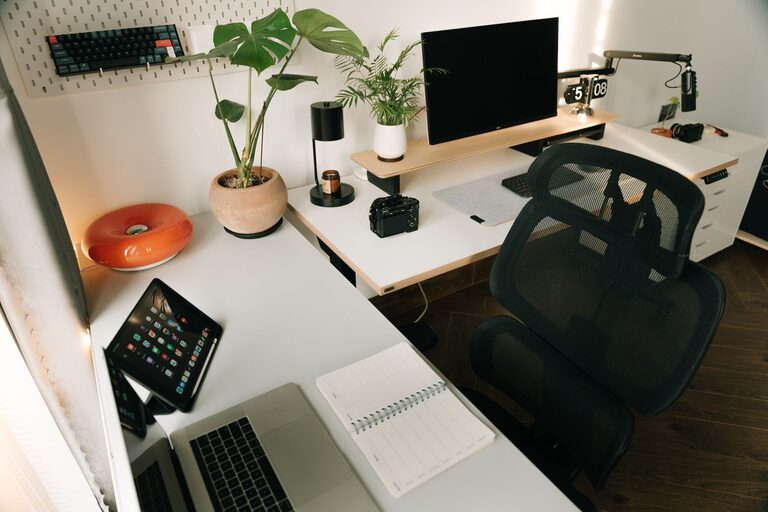
A good chair supports your posture and prevents back pain during long work hours. Look for adjustable chairs that offer lumbar support.
Suitable Desk
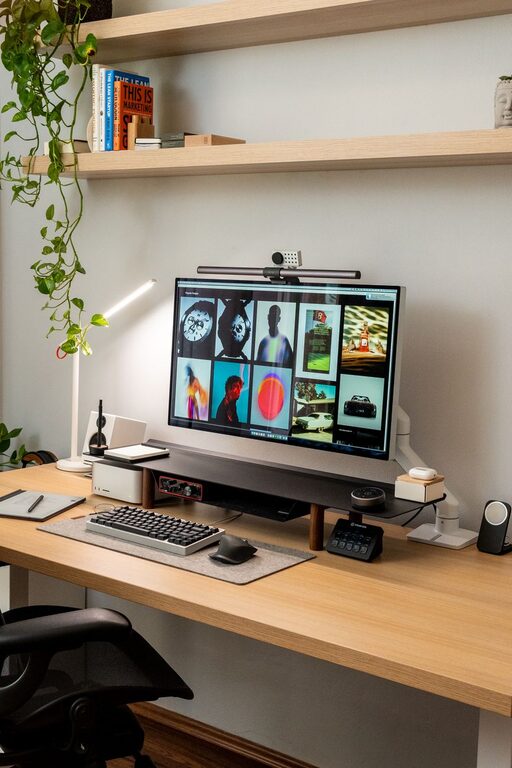
Choose a desk with enough surface area to hold your computer, documents, and other essentials without cluttering. Height-adjustable desks are great for alternating between sitting and standing.
Organize Your Workspace Efficiently
Declutter Regularly
Keep only necessary items on your desk. A tidy space helps your mind stay clear and focused.
Use Storage Solutions
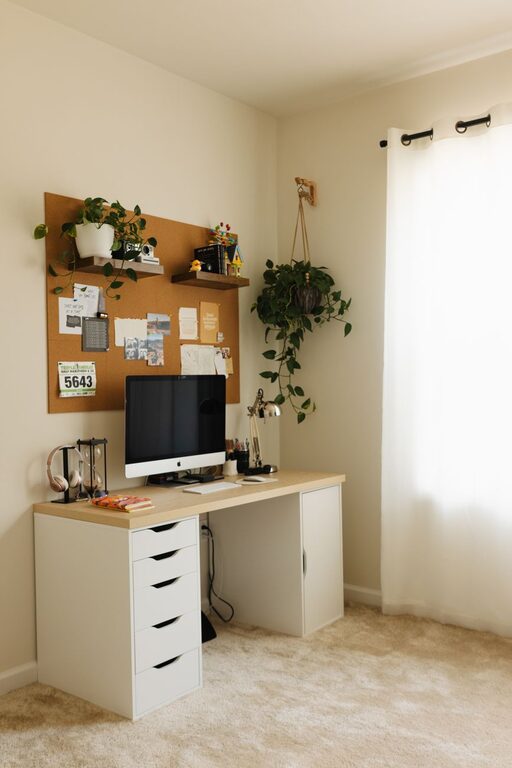
Incorporate shelves, drawer organizers, or filing cabinets to store supplies and paperwork neatly out of sight but within reach.
Manage Cables
Use cable clips or under-desk trays to keep cords organized and prevent tangling or tripping hazards.
Personalize Without Overcrowding
Adding personal touches makes your workspace inviting but be careful not to overcrowd it.
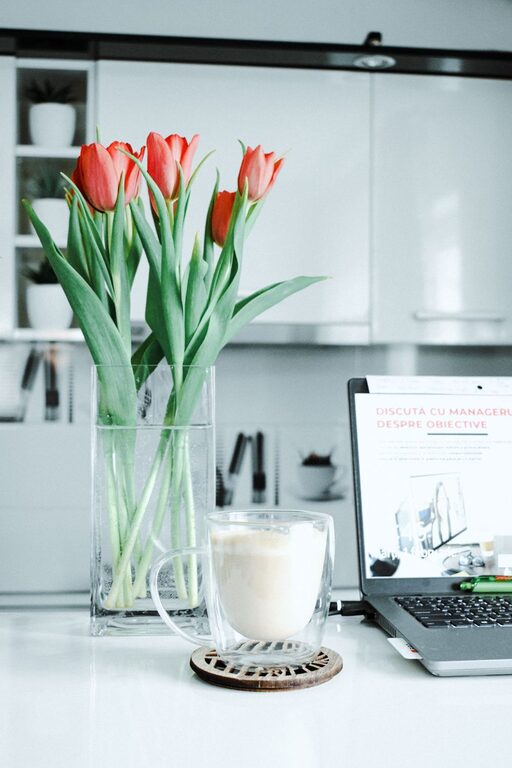
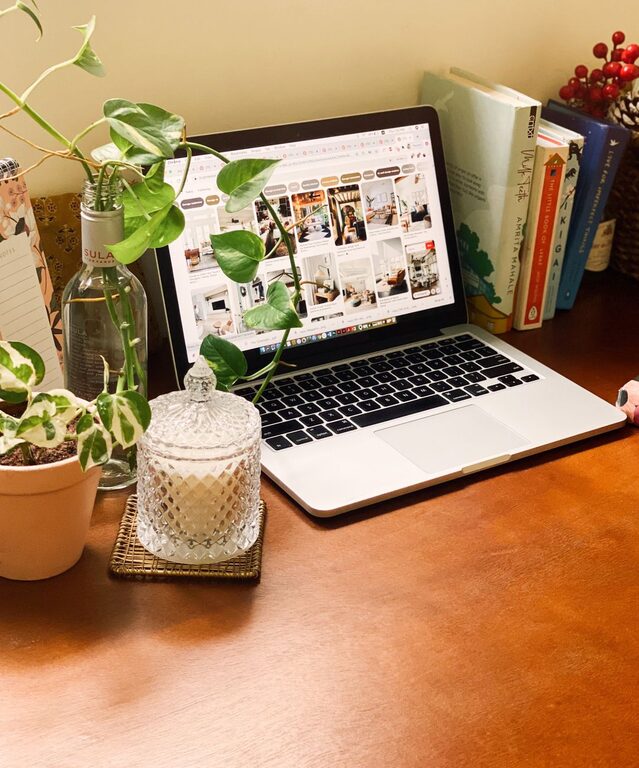
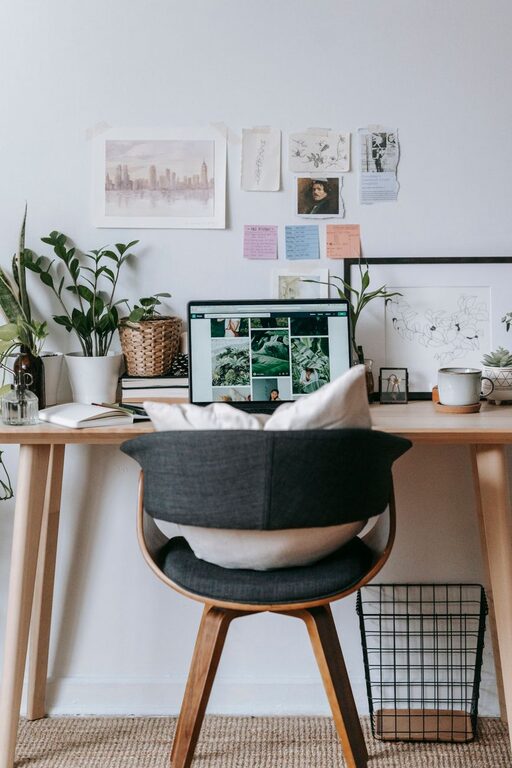
– Add Greenery: Small plants can boost your mood and improve air quality.
– Use Artwork or Photos: Choose calming or inspiring pieces that make you happy.
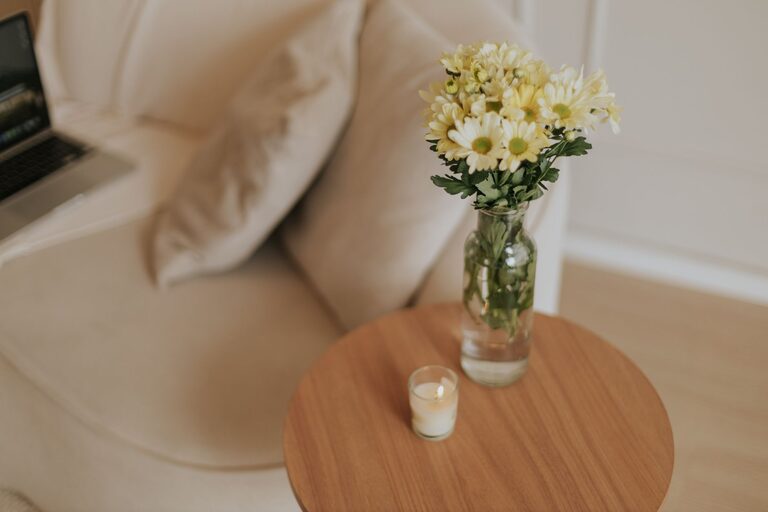
– Comfort Items: A cozy blanket or cushion can add warmth without distracting.
Optimize Lighting
Beyond natural light:
– Task Lighting: Use adjustable desk lamps to reduce shadowing on your work area.
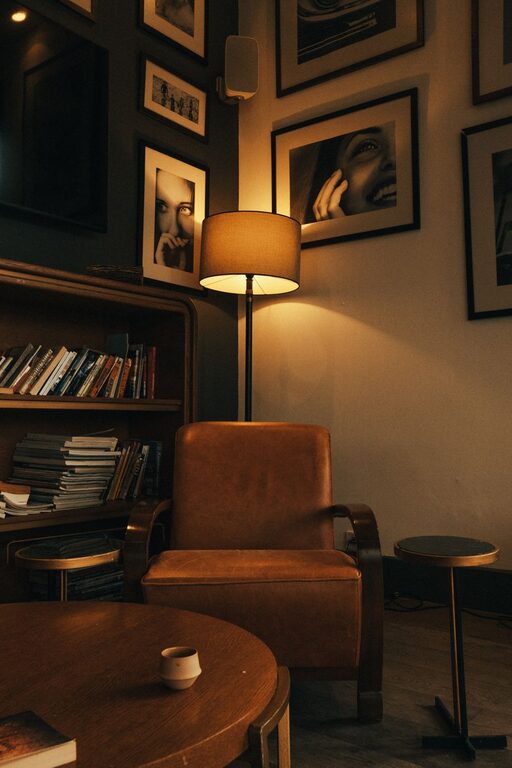
– Ambient Lighting: Soft lighting around the room avoids eye strain and creates a warm atmosphere.
Incorporate Productivity Tools
Use a Planner or Calendar
Whether paper or digital, having a system to organize your tasks keeps you on track.
Noise Management
If ambient noise is distracting, consider noise-canceling headphones or white noise machines.
Maintain a Routine
Designating specific work hours and regularly tidying your space creates a sense of discipline and helps keep your workspace functional daily.
Take Breaks and Move Around
Even in a cozy workspace, remember to step away periodically. Stretching or brief walks improve circulation and refresh your mind.
—
Creating a home workspace that balances coziness with functionality is all about thoughtful choices in location, furniture, organization, and personalization. With these tips, you can build an environment that supports your productivity while making work feel comfortable and enjoyable.